Vif
Declarative Screen Capture
Agentic Asset Generation
CLI-native. Everything is a file. Built for AI agents.
Storyboards are YAML. Configs are files. Assets have versions.
Let your agent iterate on video production through conversation.
name: product-demo
output: demo.mp4
audio:
  file: music.mp3
  volume: 0.7
  fadeOut: 2
sequence:
  - source: intro.mp4
    duration: 3
  - source: features.mp4
    transition: crossfade
Then run: vif render storyboard.yaml
pnpm install -g @arach/vifLive Demos
Recorded automatically with Vif. Tight framing, smooth cursor, highlighted typing.
Cursor Overlay
Animated cursor with click visualization
Terminal Workflow
iTerm + Vim with live typing
Everything is a File
Storyboards, configs, takes—all stored as files. Let your AI agent iterate on video production through natural conversation.
Declarative Storyboards
Define video compositions in YAML. Sequences, transitions, audio tracks—all version-controlled and agent-editable.
Take Management
Built-in versioning for assets. Create takes, list history, revert to any version. Your agent can iterate freely.
Audio Sync & Mixing
Analyze BPM, detect beats, mix audio with fade controls. Sync your cuts to the music automatically.
CLI-Native
Every operation is a command. No GUI, no clicks. Perfect for agent tool-use and automation pipelines.
Full Capture Suite
Screenshots, video recording, GIF creation, web optimization. All the primitives your agent needs.
Conversation-Driven
Iterate through conversation. Agent edits YAML, runs render, reviews output, refines. Natural workflow.
Agent workflow: Edit YAML → Run vif render → Review → Iterate
Built for AI Agents
Vif ships with agent enablement files. Any AI coding agent can understand, modify, and extend vif instantly.
Integration Guide
Single source of truth for integrating your macOS app. VifTargets SDK, Swift code, coordinate conversion.
AGENTS.md
Cross-agent instructions for Claude Code, Cursor, Copilot, Gemini CLI, and any AI coding agent.
Claude Skill
Auto-discovered by Claude Code. Comprehensive VifTargets implementation guide.
Programmatic Control
Control vif imperatively with vif-ctl CLI or the vif-mcp MCP server for Claude.
vif-ctl cursor move 500 300vif-ctl panel headless onKeyboard: Escape exits headless,⌃⌥⌘V toggles headless
Integrate your app with vif
Two paths: use explicit coordinates for any app, or integrate the VifTargets SDK for dynamic UI element tracking.
curl http://localhost:7851/vif/targets | jqRead the guide Built with Vif
Real projects using Vif for asset generation. Declarative configs, automated captures, production-ready output.
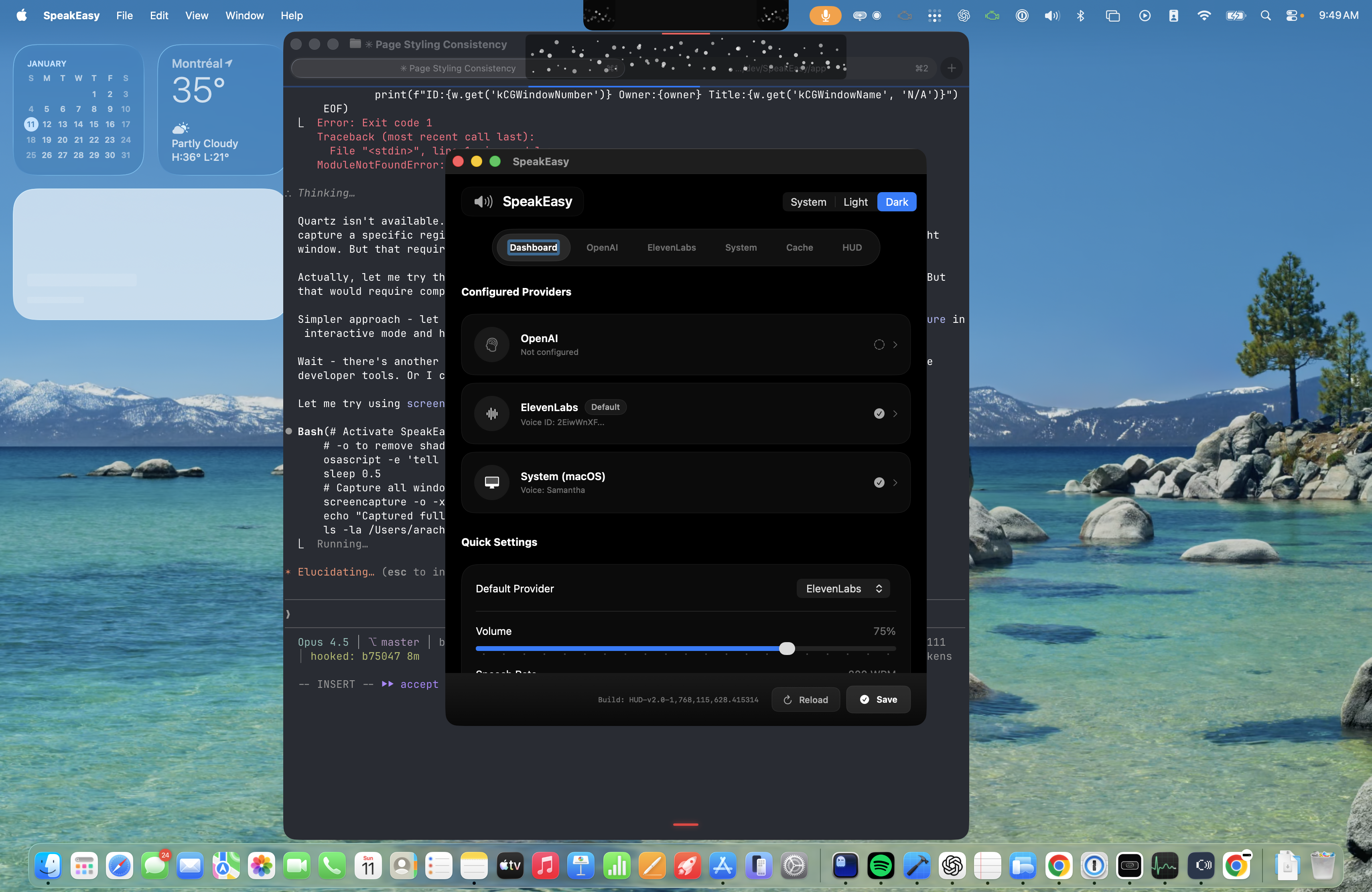
Speakeasy
VisitText-to-speech library landing page. Screenshots and demo video generated with Vif for the hero section.
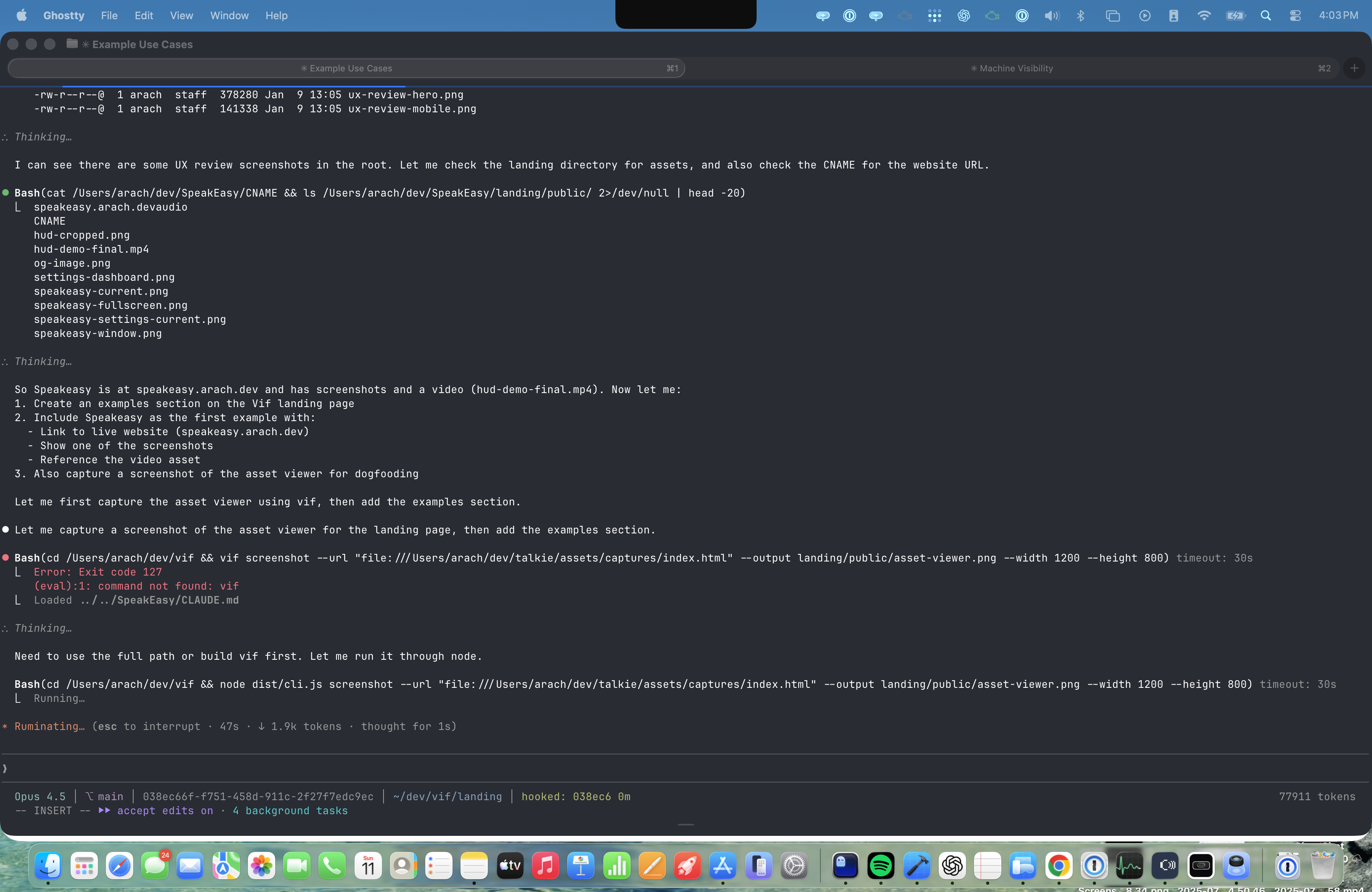
Vif Asset Viewer
DogfoodingAuto-generated HTML gallery for reviewing captured assets. This screenshot was captured using Vif itself.
Agent Workflow
Everything is a file. Your agent edits YAML, runs commands, and iterates through conversation.
1CLI Commands
vif render storyboard.yamlvif take new demo.mp4 "shortened intro"vif mix video.mp4 music.mp3 out.mp4 --volume 0.7 --fade-out 2vif analyze music.mp3 --bpm 120vif shot --app Safari output.png2Storyboard File
# storyboard.yaml - Agent edits this file
name: product-demo
output: final.mp4

audio:
  file: background-music.mp3
  volume: 0.6
  fadeIn: 1
  fadeOut: 2

sequence:
  - source: intro-screen.mp4
    duration: 3

  - source: feature-showcase.mp4
    transition: crossfade

  - source: call-to-action.mp4
duration: 53Iterate Through Conversation
# Your agent can iterate on video production:

# 1. Agent creates/edits storyboard.yaml
# 2. Agent runs:
vif render storyboard.yaml

# 3. Agent reviews output, creates a take:
vif take new final.mp4 "v1 - initial cut"

# 4. Agent adjusts storyboard.yaml
# 5. Agent re-renders and compares
vif render storyboard.yaml
vif take list final.mp4
Requirements: macOS, Node.js 18+, ffmpeg (for video processing)
Install ffmpeg: brew install ffmpeg